One reference. Four decisions. A clear plan for the artwork.
Cato asked for a short-sleeve raglan sweatshirt. This original image establishes the red body, shoulder stars, embroidered chest flag and gingham neckline.
These stay in the plan. The cap bow and model styling are outside the artwork scope.
YOUR DECISIONS
See the choice. Then tell me what to keep.
Nothing is selected for you. 0 of 4 answered
01
How should the short sleeves be blocked?
The original has cream star shoulders and red lower sleeves. Shortening them creates a real construction choice.
Construction sketches only. Star count, spacing, proportions and physical dimensions are illustrative, not production instructions.
02
Keep the star scale and scattered spacing?
I recommend matching the original shoulder treatment, then mapping only what fits the chosen short sleeve.
03
Refine the flag back toward the original?
The early reconstruction has a heavier border. It is an unapproved proof, not recovered original flat artwork.
ORIGINAL REFERENCEFine cream outline, lighter appearance.EARLY RECONSTRUCTIONHeavier border; 50 stars were standardized.
04
Who should set the physical artwork sizes?
The reference gives visual scale, not reliable inches. I won’t assign a flag width or star size from the photograph.
Choices save on this device as you review.
AFTER YOUR REVIEW
The Photoshop plan.
A proposed workflow. Artwork extraction waits for your direction.
STEP 1
Lock the direction
Confirm sleeve blocking, star treatment, flag appearance and who sets measurements. Keep the original reference beside every decision.
THIS PAGESTEP 2
Build separate artwork
Use distinct Photoshop layers for the reference, flag, star motif, placement guides and gingham trim reference. Refine the flag without regenerating the shirt.
NOT STARTED FOR FINAL ARTSTEP 3
Prove it on the garment
Show the art over the agreed short-sleeve body, with numbered placements and enlarged details. Review before preparing the PNGs, layered PSD and Larry’s handoff.
THEN VISUAL APPROVAL
If a clean flat master is unavailable, new artwork will be labelled a reconstruction. Embroidery digitizing stays a separate technical step.
STYLE 01 / PAISLEY SOURCE CHECK
What Larry actually supplied.
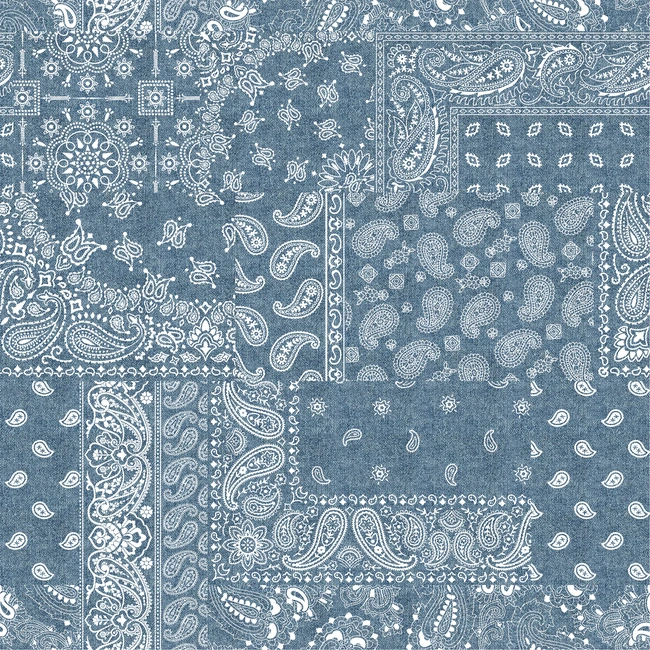
His A226 transfer contains an Illustrator file and a pitch-sheet JPG. The embedded native Illustrator data declares one layer, “Layer 1.” There is no separate supplied red Lurex layer.
The blue-and-cream print remains the original master. Chris’s embellished reference supplies the red Lurex direction. Our layered placement PSD was created here; it was not Larry’s file.
ORIGINAL A226 BASE PRINT / NO RED LUREX LAYER
YOUR REVIEW
Four questions to settle.
No choices yet.
Saving records your choices. It does not start extraction, email anyone or authorize production.